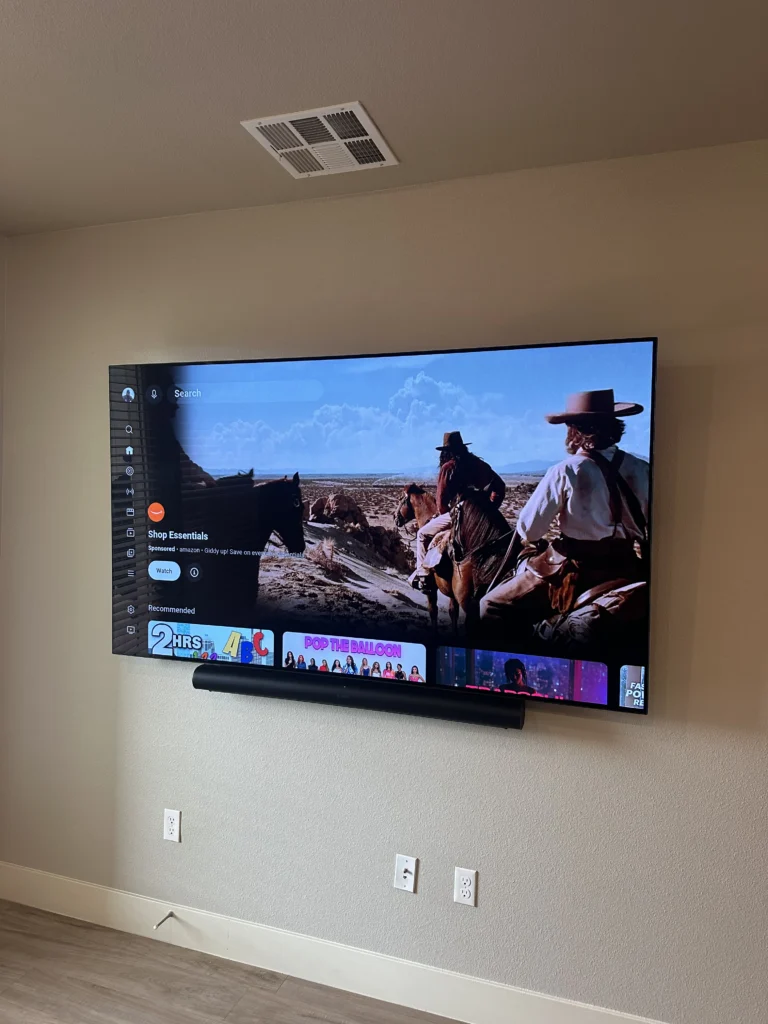
The short version
- Cord cover on the wall — works on any wall and in rentals; paintable cover included, $59.
- HDMI cables inside the wall — drywall only, your in-wall-rated cables, $89.
- The power cord can’t go inside the wall. For a cord-free look you need an outlet behind the TV, added by an electrician.
- Fewer cables often solves half the problem: a streaming stick and one HDMI cable to the soundbar.
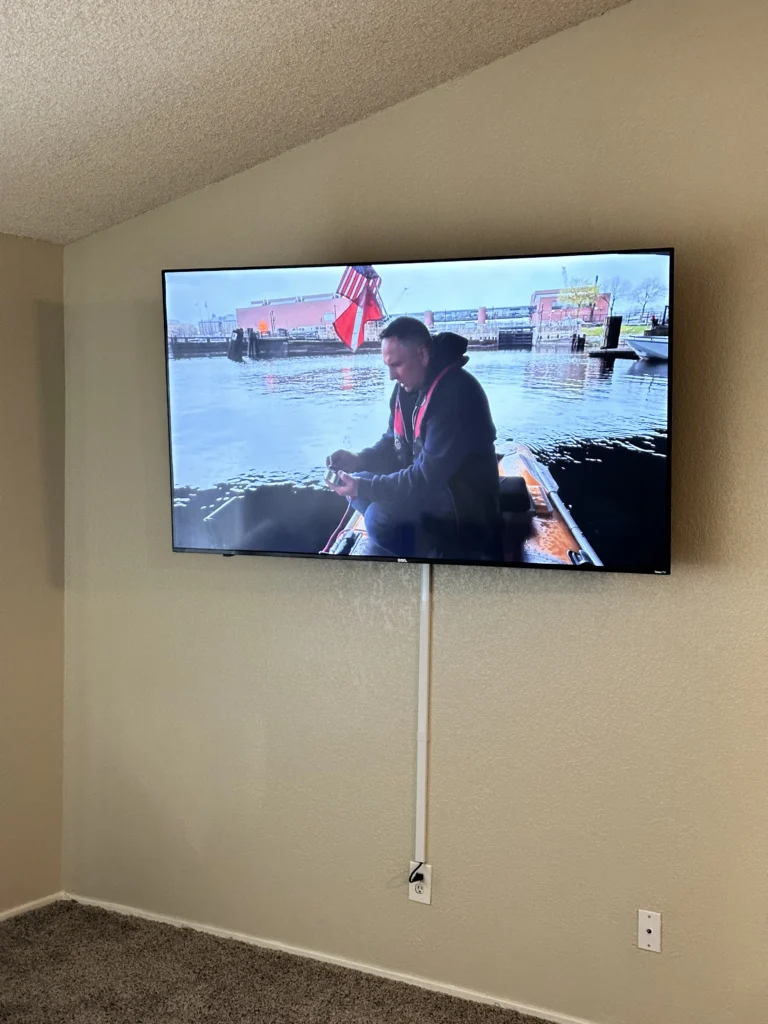
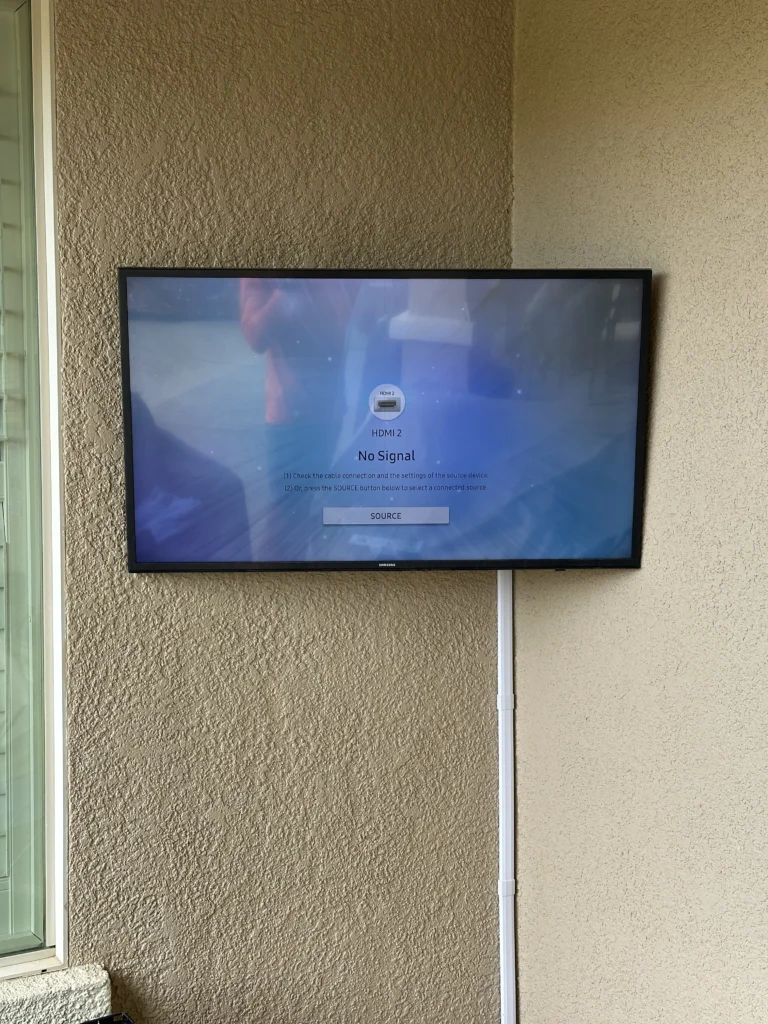
1. Paintable cord cover — any wall
A slim channel runs on the wall from the TV down to the outlet or console, and the cables go inside it. It can be painted the wall color, so from the couch it mostly disappears. Nothing is cut into the wall, which makes it the go-to option for rentals, brick and stone, and walls where an in-wall run isn’t possible.
2. HDMI cables inside the wall — drywall only
Low-voltage cables (HDMI, ethernet, optical) go through the wall from behind the TV to a plate near the console. The wall looks completely clean between the TV and the console.
- Drywall only. Brick, stone, tile and plaster aren’t opened up for cables.
- Use in-wall-rated cables. Cables inside a wall should carry an in-wall rating; CL2 is typical for HDMI. You provide the cables — make sure they’re long enough.
- Sometimes the path is blocked. A horizontal fire block inside the wall can stop a straight run between the two openings.
- Power stays outside. Only low-voltage cables go in.
3. The rule about power cords
A TV’s power cord isn’t made to run inside a wall, and the electrical code doesn’t allow it. That leaves three honest options:
- There’s already an outlet behind where the TV will hang — the power cord stays short and hidden behind the screen.
- An electrician adds an outlet behind the TV, or installs a code-approved in-wall power kit. We don’t do electrical work, so this happens before the mounting visit.
- The power cord runs down the wall inside a cord cover to the outlet below.
4. Fewer cables to hide
- Streaming stick or the TV’s own apps instead of a box on the console: then the TV may need only a power cord.
- One HDMI cable to the soundbar using HDMI eARC/ARC, instead of several connections.
- Samsung Frame TV: one thin One Connect cable runs from the TV to a box you keep on a console or shelf; the cable and box stay outside the wall.
Which option fits
| Option | Walls | Looks | Price |
|---|---|---|---|
| Cord cover | Any, including rentals | Slim painted channel on the wall | $59 |
| HDMI inside the wall | Drywall only | Clean wall; power cord still needs an outlet behind the TV or a cover | $89 |
| Outlet behind the TV | Electrician’s job | No visible power cord | by your electrician |